Video editing in 2026 is no longer just about cutting clips and adding music. It has become a powerful combination of storytelling, technical skill, and smart tool selection. Whether you are a beginner learning the basics or a professional working with clients, your choice of tools directly affects your speed, quality, and earning potential. The right setup allows you to work faster, handle more complex projects, and deliver results that look polished and professional. Many editors struggle not because they lack creativity, but because they are using tools that limit their workflow. Slow rendering, laggy playback, and missing features can reduce productivity and increase frustration. On the other hand, when you combine the right software, AI tools, and a capable laptop, you can significantly improve both efficiency and output quality.
This complete guide will walk you through the best video editing software, powerful AI tools including online platforms, and the best laptops for editing and gaming. By the end, you will have a clear understanding of what tools you should use based on your level and goals.
Understanding Video Editing Software in 2026
Modern video editing software has evolved far beyond simple cutting and trimming. Today’s editors are expected to manage color grading, motion graphics, audio design, subtitles, and even visual effects within a single workflow. Because of this, choosing the right software is more important than ever. A good editing software should be stable, fast, and flexible. It should allow you to work with high resolution footage without lag and provide advanced tools when needed. Another important factor is optimization. Some software works better on Mac systems, while others take advantage of powerful GPUs on Windows devices. Understanding this difference can help you build a setup that performs efficiently.
In addition, the rise of AI has introduced new expectations. Editors are now expected to work faster and deliver more content in less time. This is where AI powered tools play a major role in modern workflows.
Professional Video Editing Software for Mac and Windows
Professional video editing software provides full control over the editing process and is used by industry experts, agencies, and content creators worldwide.
Final Cut Pro
Final Cut Pro is designed specifically for Mac users and is known for its speed and optimization. It performs exceptionally well on Apple Silicon devices, making it a strong choice for editors working with high resolution footage. The interface is clean and efficient, allowing editors to focus on storytelling without unnecessary complexity.
Adobe Premiere Pro
Adobe Premiere Pro is one of the most widely used editing tools globally. It works on both Mac and Windows and integrates with other Adobe applications such as After Effects and Photoshop. This makes it ideal for editors who need a complete creative ecosystem. Its flexibility and advanced features make it suitable for both freelancers and large production teams.
DaVinci Resolve
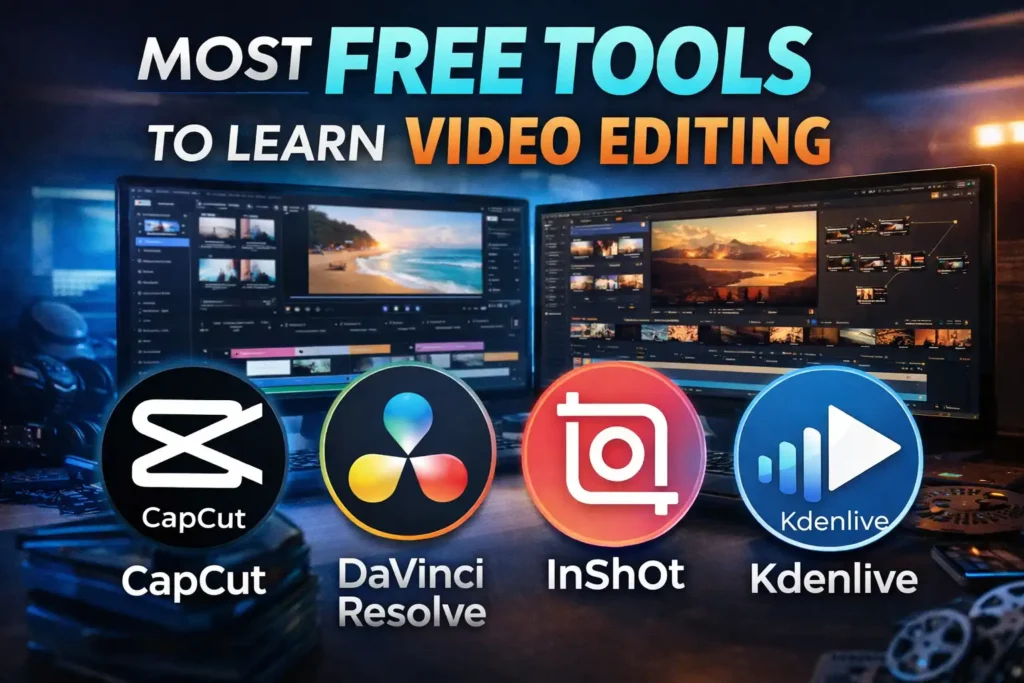
DaVinci Resolve is a powerful all in one solution that includes editing, color grading, visual effects, and audio post production. It is widely respected for its color grading capabilities and is used in professional film production. The free version is highly capable, making it accessible to beginners as well.
Beginner Friendly Video Editing Software
For beginners, starting with simple tools is often the best approach. These tools help you learn the fundamentals without overwhelming you.
Filmora
Filmora is known for its user friendly interface and built in effects. It allows beginners to create visually appealing videos quickly and easily.
CapCut
CapCut is a popular choice for social media editing. It offers templates, transitions, and automatic captions, making it perfect for creating short form content.
iMovie
iMovie is a simple editing tool available on Mac devices. It is ideal for learning basic editing techniques and understanding the workflow.
AI Video Editing Tools You Should Use
Artificial intelligence has transformed video editing by automating repetitive tasks and improving efficiency. Editors who use AI tools can produce more content in less time.
CapCut
CapCut includes AI features such as auto captions, background removal, and smart tracking. These tools are especially useful for social media content creation.
Adobe Premiere Pro
Adobe Premiere Pro includes AI powered features like auto reframing and speech to text. These features help editors save time and focus on creative aspects.
Runway ML
Runway ML offers advanced AI capabilities such as background removal and video generation. It is useful for creative and experimental projects.
Descript
Descript allows users to edit videos by editing text. This makes it highly efficient for interviews and podcasts.
Online AI Video Editing Tools and Websites
Online AI video editing tools have become extremely popular because they do not require high end hardware. You can edit videos directly in your browser using cloud based processing. This makes them ideal for beginners, freelancers, and content creators who need quick results.
Runway ML
Runway ML is one of the most advanced online AI tools available. It allows users to remove backgrounds, generate videos, and apply creative effects directly from a web interface.
Descript
Descript also works as an online platform. It is especially useful for editing podcasts and talking head videos because of its text based editing system.
Pictory
Pictory is designed for turning text into video. It is useful for marketers, bloggers, and content creators who want to convert articles into engaging videos.
Synthesia
Synthesia allows users to create videos with AI avatars. It is widely used for training videos, presentations, and business content.
VEED IO
VEED.io is a browser based editor that includes subtitles, effects, and basic editing tools. It is simple to use and does not require installation.
Kapwing
Kapwing is another online editing platform that offers AI features like auto subtitles and resizing. It is popular among social media creators.
Online tools are especially useful for quick edits, remote work, and low end devices. However, they may not replace professional software for complex projects.
Best Mac Laptops for Video Editing in 2026
A powerful laptop is essential for smooth editing. It ensures fast rendering, smooth playback, and the ability to handle complex projects.
MacBook Pro
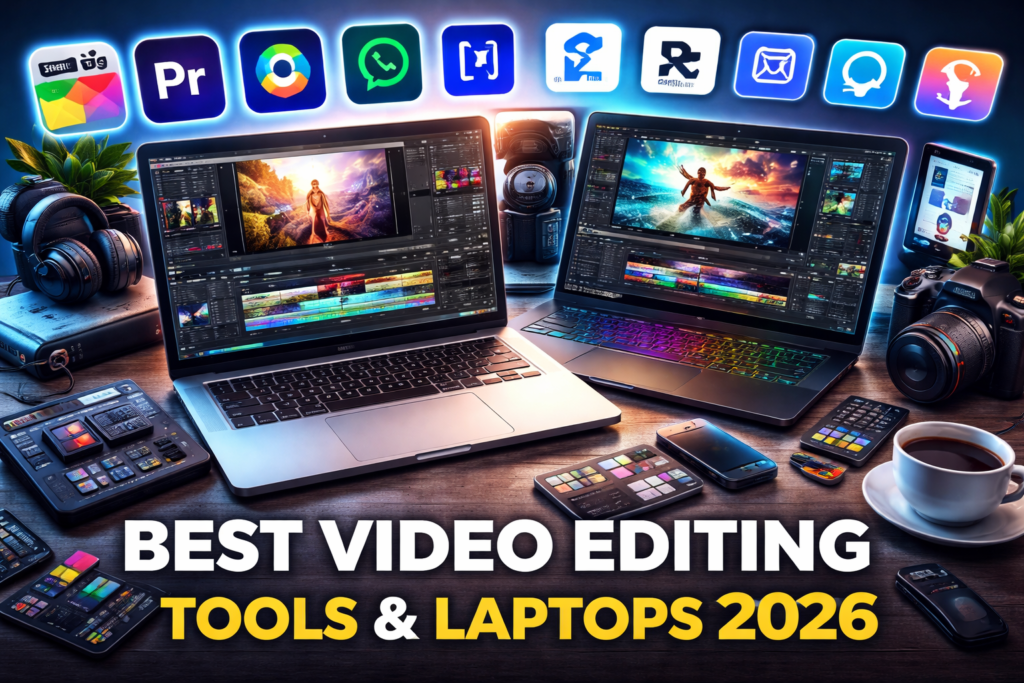
MacBook Pro (M4 Pro M5 Max) is one of the best laptops for video editing. It offers excellent performance, a high quality display, and long battery life.
MacBook Air
MacBook Air (M2 M3) is a budget friendly option for beginners. It is suitable for light to medium editing tasks.
Best Windows Laptops for Gaming and Video Editing
If you need a laptop for both gaming and editing, Windows options are more suitable.
ASUS ROG Zephyrus
ASUS ROG Zephyrus offers powerful performance and is suitable for both gaming and editing.
Lenovo Legion Pro
Lenovo Legion Pro provides strong performance and efficient cooling.
ASUS ProArt Studiobook
ASUS ProArt Studiobook is designed for creators and offers excellent display quality and performance.
Best Mac Setup for Video Editing
For Apple users, building the right setup is essential.
MacBook Pro 14 inch
MacBook Pro 14 inch is ideal for portability and performance.
MacBook Pro 16 inch
MacBook Pro 16 inch provides more screen space and power.
Mac Studio
Mac Studio is suitable for high end professional work.
A good setup should include at least 16GB of RAM and fast SSD storage. For heavy editing, 32GB or more is recommended.
Final Thoughts
Choosing the right tools depends on your goals and experience level. Beginners should start with simple tools like CapCut or iMovie and focus on learning the basics. As you grow, moving to professional software like DaVinci Resolve or Adobe Premiere Pro will help you unlock advanced capabilities.
Investing in a powerful laptop such as MacBook Pro (M4 Pro M5 Max) can improve your workflow and productivity. At the same time, using online AI tools can help you work faster and stay competitive.
In the end, tools are only part of the equation. Your creativity, storytelling, and consistency are what truly define your success as a video editor. Focus on improving your skills, stay updated with new trends, and use the right tools to support your workflow. That is how you grow in the video editing industry in 2026 and beyond.
Frequently Asked Questions
What is the best video editing software in 2026
The best video editing software in 2026 depends on your experience level and needs. Professional editors often use Adobe Premiere Pro, Final Cut Pro, or DaVinci Resolve because they offer advanced features and flexibility. Beginners can start with simpler tools like CapCut or iMovie.
Which AI tools are best for video editing
Some of the best AI video editing tools include Runway ML, Descript, and CapCut. These tools help automate tasks like captions, background removal, and editing, making your workflow faster and more efficient.
Are there free AI video editing tools available
Yes, there are several free AI video editing tools available. CapCut offers many AI features for free. DaVinci Resolve also has a free version with powerful editing tools. Some online platforms provide limited free plans as well.
What is the best laptop for video editing
The best laptop for video editing is MacBook Pro (M4 Pro M5 Max) due to its performance, display quality, and battery life. For budget users, MacBook Air (M2 M3) is a good option. Windows users can choose laptops like ASUS ROG Zephyrus or Lenovo Legion Pro.
Can I edit videos online without downloading software
Yes, you can edit videos online using browser based tools like VEED.io, Kapwing, and Runway ML. These platforms allow you to edit videos without installing software and are useful for quick projects.
Which software is best for beginners in video editing
Beginners should start with easy to use software like CapCut, Filmora, or iMovie. These tools offer simple interfaces and built in features that help you learn editing quickly.
Is Mac or Windows better for video editing
Mac is generally better optimized for video editing, especially with software like Final Cut Pro. Windows offers more flexibility and better performance for gaming and GPU heavy tasks. The best choice depends on your needs and budget.