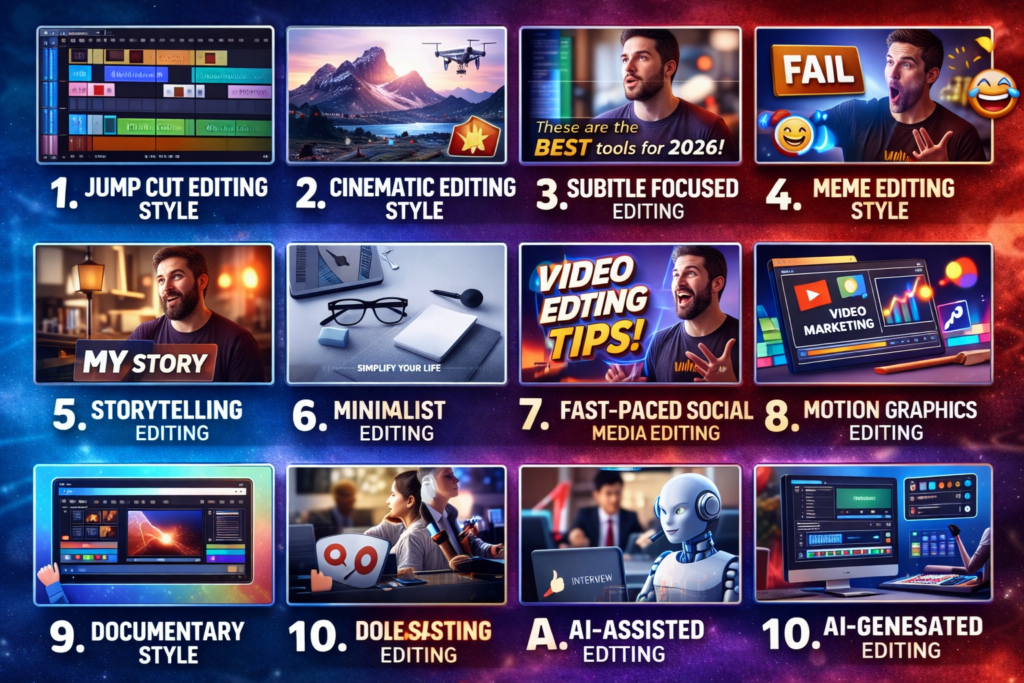
10 Powerful Video Editing Tips for Beginners to Create Professional Videos
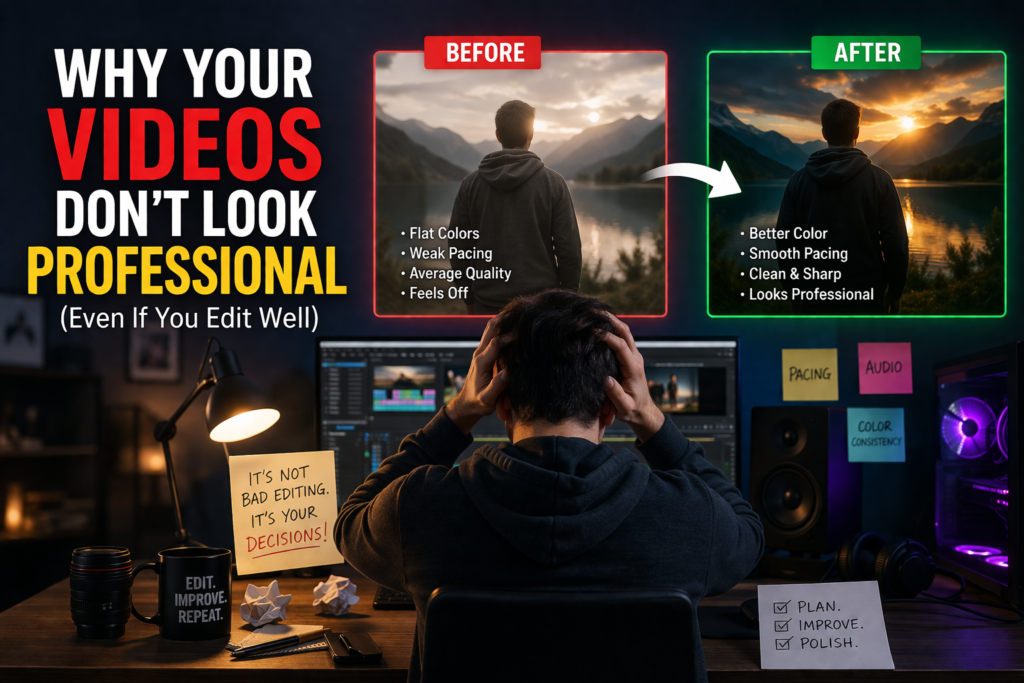
Video content has become one of the most powerful ways to communicate online. Today, businesses, YouTubers, and social media creators rely heavily on video to reach and engage their audiences. However, recording footage is only the first step. Without proper editing, even great footage can look unprofessional and fail to capture attention.
This is why learning video editing tips for beginners is essential for creating high-quality, professional-looking videos. Good editing can transform simple clips into compelling content that tells a clear story, keeps viewers engaged, and increases watch time. The good news? Video editing doesn’t have to be complicated. With the right tools and techniques, anyone can learn how to edit videos and improve their content quickly. In this guide, you’ll discover the most effective video editing tips for beginners, the best tools to get started, common mistakes to avoid, and a simple workflow used by professional editors.
Why Video Editing Skills Are Important
Learning video editing is an essential skill in today’s digital world. Whether you want to become a content creator, grow a YouTube channel, or work as a freelance video editor, strong editing skills can significantly improve the quality of your content.Video editing allows you to tell a clear and engaging story, remove mistakes, and keep your audience interested from start to finish.
Well-edited videos not only look professional but also increase watch time, engagement, and overall viewer satisfaction. For beginners, mastering basic editing techniques can make a huge difference. It helps you stand out in a competitive market and opens up opportunities for freelancing, content creation, and even building your own brand. In short, video editing is not just a technical skill. It’s a powerful tool for communication, creativity, and growth in the digital space.
1. Videos Are More Engaging
Videos naturally attract more attention than text or images. People prefer watching short and engaging content rather than reading long paragraphs. Editing helps keep viewers interested by removing unnecessary parts, improving pacing, and adding smooth transitions.
2. Editing Improves Storytelling
Raw footage often contains mistakes and extra scenes. Editing allows you to organize clips and create a clear, engaging story. Simple techniques like trimming, cutting, and sequencing can significantly improve video quality.
3. Social Media Growth
Platforms like Instagram, TikTok, and YouTube prioritize video content. Well-edited videos get more engagement, shares, and visibility. Learning video editing helps you grow your audience faster.
4. Career Opportunities
Video editing is a high-demand skill. Many businesses hire editors for YouTube videos, ads, and social media content. With the right skills, you can start freelancing and build a professional career.
10 Video Editing Tips for Beginners
Below are the most useful video editing tips for beginners that will help you improve your editing skills quickly.
1. Plan Your Video Before Editing
Before opening your editing software, think about the structure of your video.
Ask yourself:
What message do I want to share?
Who is my audience?
What is the purpose of the video?
Planning your video saves time and helps you create better results.
2. Learn Basic Cutting and Trimming
Cutting and trimming are the foundation of video editing.
You should learn how to:
remove unnecessary clips
shorten long scenes
fix mistakes in your footage
These basic video editing techniques are essential for creating smooth videos.
3. Use Simple Transitions
Many beginners make the mistake of using too many transitions. This can make videos look messy.
Instead, keep transitions simple. Basic cuts and fades often look more professional.
4. Improve Audio Quality
Audio quality is just as important as video quality.
Poor audio can make viewers leave quickly. Always check your sound levels and remove background noise.
Adding background music can also improve the viewer experience.
5. Focus on Video Pacing
Pacing refers to the speed of your video.
If a video is too slow, viewers may lose interest. If it is too fast, they may not understand the message.
Good pacing keeps the audience engaged.
6. Add Text and Subtitles
Text overlays and subtitles can make videos easier to understand.
Subtitles are especially useful for social media because many people watch videos without sound.
This is an important skill when learning how to edit social media videos.
7. Organize Your Files
Professional editors always organize their project files.
Create folders for:
raw footage
music
images
project files
This improves your video editing workflow for beginners and saves time during editing.
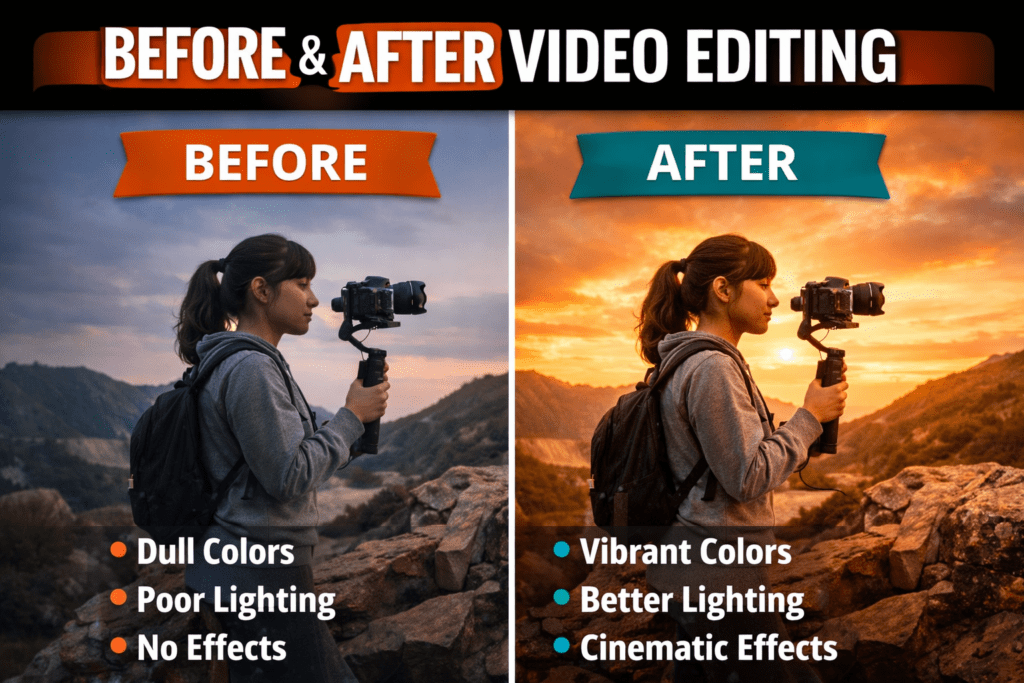
8. Apply Basic Color Correction
Color correction helps your video look more professional.
Simple adjustments include:
brightness
contrast
saturation
white balance
These small improvements can significantly enhance your footage.
9. Avoid Too Many Effects
Effects should support the story, not distract from it.
Many beginners use too many filters or animations. This can make the video look unprofessional.
Use effects carefully and only when necessary.
10. Practice Regularly
The best way to improve is practice.
Try editing different types of content such as:
travel videos
vlog content
tutorial videos
short social media clips
By practicing these video editing tips for beginners, you will improve your skills quickly.
Common Video Editing Mistakes Beginners Make
Many beginners repeat the same mistakes when learning to edit videos.
Here are some common video editing mistakes beginners make.
Using Too Many Effects
Overusing transitions and filters can make videos look unprofessional.
Ignoring Audio Quality
Good audio is essential for keeping viewers engaged.
Leaving Long Unnecessary Clips
Removing unnecessary footage improves the pacing of your video.
No Clear Story
Every video should have a clear beginning, middle, and end.
Avoiding these mistakes will help you produce better videos.
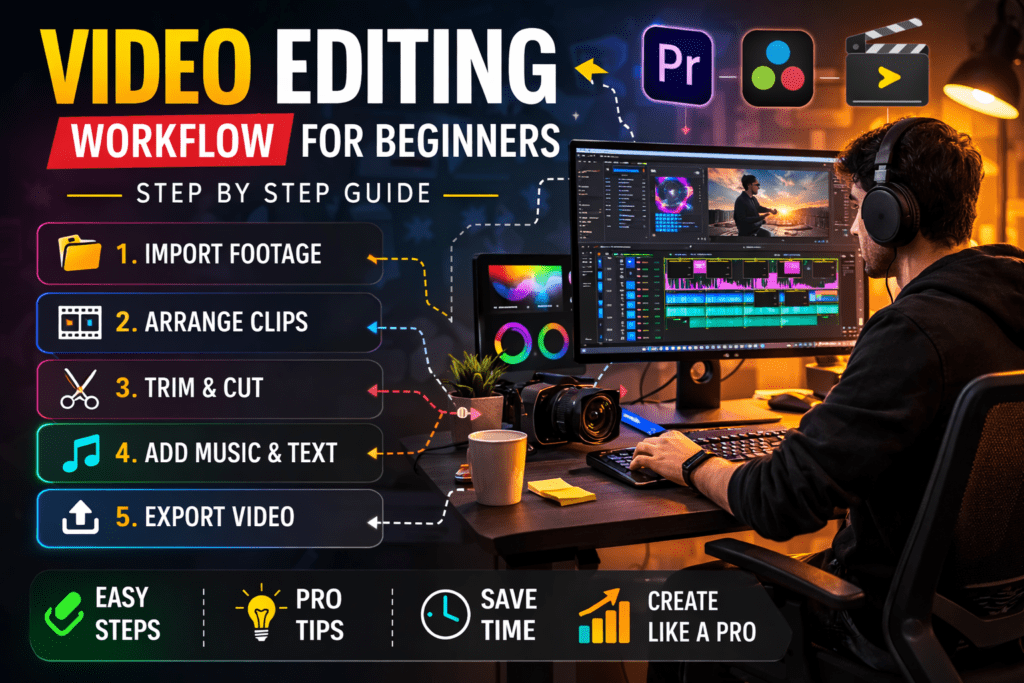
Simple Video Editing Workflow for Beginners
Following a clear process makes editing easier. Here is a simple video editing workflow for beginners.
Step 1 – Import Footage
Upload your video clips into the editing software.
Step 2 – Arrange Clips
Place the clips in the correct order on the timeline.
Step 3 – Trim Unnecessary Parts
Remove mistakes and unwanted scenes.
Step 4 – Add Music and Graphics
Add background music, text overlays, and transitions.
Step 5 – Export the Final Video
Export your video in the correct format for the platform you plan to publish it on.
This workflow is used by many professional editors.
Tips for Editing Social Media Videos
Short-form videos are extremely popular today.
Here are some tips for how to edit social media videos effectively.
Keep Videos Short
Short videos perform better on platforms like TikTok and Instagram.
Start With a Strong Hook
The first few seconds should grab attention immediately.
Use Vertical Format
Most social media platforms prefer vertical videos.
Add Captions
Captions help viewers understand your content even without sound.
Conclusion
Video editing may seem difficult at first, but anyone can learn it with practice and patience.
By following these video editing tips for beginners, you can improve your editing skills and create professional videos for YouTube, social media, or business use.
Start by learning the basics, practicing regularly, and experimenting with different editing styles. Over time, your skills will improve and your videos will look more polished and engaging.
Whether you want to grow your YouTube channel or offer editing services, mastering these beginner tips is the first step toward becoming a successful video editor.