Top 10 Best Video Editing Styles for YouTube Creators
Introduction
YouTube has become one of the most competitive content platforms in the world. Every minute, thousands of creators upload videos hoping to capture viewers’ attention and grow their channels. While great ideas and good storytelling are essential, video editing plays a crucial role in making content engaging and professional.
Many successful creators invest significant time and effort into editing because it helps improve the overall viewer experience. The way a video is edited can determine whether viewers continue watching or leave after a few seconds.
This is why understanding the best video editing styles for YouTube is extremely important for creators who want to grow faster in 2026. The right editing style can increase watch time, improve audience retention, and make videos more entertaining.
In this guide, we will explore the best video editing styles for YouTube, explain why they work, and help you choose the right style for your content.
Why Video Editing Style Matters on YouTube
Video editing is more than just cutting clips together. It shapes the storytelling, pacing, and emotional impact of your content.
Creators who use the best video editing styles for YouTube often see better results because their videos feel polished and engaging.
Some important benefits of good editing include:
Higher audience retention
Increased watch time
Improved storytelling
More professional appearance
Better engagement from viewers
When viewers enjoy the editing style of a video, they are more likely to watch longer, like the video, and subscribe to the channel.

How Video Editing Affects Watch Time and Engagement
YouTube’s algorithm heavily relies on watch time and viewer retention to determine which videos should be recommended to more people.
When creators use the best video editing styles for YouTube, they often create content that keeps viewers interested throughout the entire video.
Editing techniques that improve engagement include:
- Removing unnecessary pauses
- Adding visual elements
- Using subtitles and graphics
- Maintaining a fast and dynamic pace
These techniques help maintain viewer interest and prevent people from leaving the video too early.
Top 10 Best Video Editing Styles for YouTube
Below are some of the most popular and effective video editing styles used by YouTubers today.
1. Jump Cut Editing Style
Jump cuts are one of the most common techniques used in the best video editing styles for YouTube.
This style removes unnecessary pauses and quickly moves from one moment to another, creating a faster and more engaging viewing experience.
Jump cut editing is widely used in:
- Vlogs
- Commentary videos
- Educational content
- Reaction videos
The main goal of this style is to keep the video energetic and eliminate boring moments.
2. Cinematic Editing Style
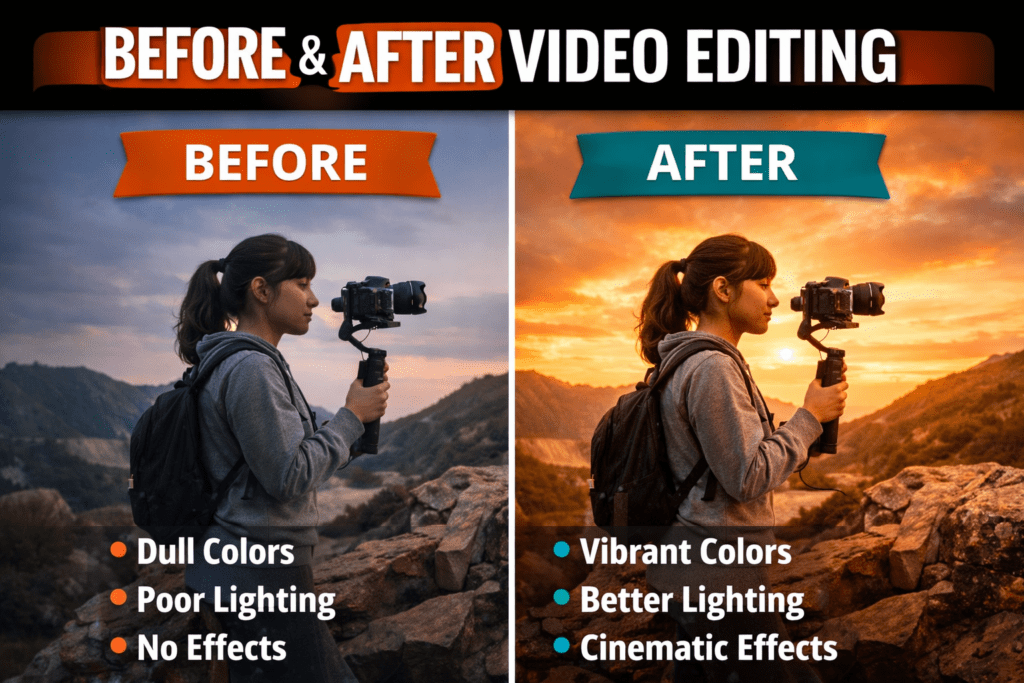
Cinematic editing focuses on storytelling and visual quality. It often includes smooth transitions, color grading, and dramatic music.
Creators who use cinematic editing aim to make their videos feel like short films rather than simple recordings.
Key elements include:
- Professional color grading
- Slow motion shots
- Cinematic transitions
- Background music
This style is especially popular in travel videos, documentaries, and storytelling channels.
3. Subtitle Focused Editing
Many viewers watch videos without sound, especially on mobile devices. Because of this, subtitles have become a key feature of the best video editing styles for YouTube.
Subtitle-focused editing includes animated captions that highlight important words or phrases.
Benefits include:
- Better accessibility
- Higher engagement
- Improved viewer understanding
Large creators often use colorful and dynamic subtitles to keep viewers focused on the content.
4. Meme Editing Style
Meme editing is a fun and highly engaging style commonly used in entertainment and gaming videos.
This style includes humorous elements such as:
- Meme sound effects
- Reaction clips
- Zoom effects
- Visual jokes
When used correctly, meme editing can make videos more entertaining and shareable.
5. Storytelling Editing Style
Storytelling editing focuses on guiding viewers through a clear narrative.
Instead of simply presenting information, creators use editing techniques to build suspense and emotional engagement.
This style often includes:
- Smooth transitions
- Background music
- Strategic pacing
Story-driven editing is often used in documentary-style content and personal stories.
6. Minimalist Editing Style
Minimalist editing is simple and clean. Instead of using many effects, creators focus on clarity and message delivery.
Key features include:
- Simple cuts
- Clean graphics
- Clear visuals
This style works well for educational channels, business content, and tutorials.
7. Fast-Paced Social Media Editing
With the popularity of short-form platforms, many creators use fast-paced editing techniques in their YouTube videos.
This includes:
- Rapid cuts
- Dynamic zoom effects
- Bold subtitles
- Quick transitions
This style helps maintain viewer attention in an era where audiences have shorter attention spans.
8. Motion Graphics Editing
Motion graphics add visual elements that explain concepts more clearly.
Examples include:
- Animated titles
- Infographics
- Lower thirds
- Logo animations
This style is commonly used in tech channels, educational videos, and marketing content.
9. Documentary Style Editing
Documentary editing focuses on storytelling through interviews, narration, and supporting footage.
This style is often used by creators who want to present detailed information or tell meaningful stories.
Key features include:
- Interview clips
- B-roll footage
- Voiceover narration
Documentary editing helps build a strong connection with viewers.
10. AI-Assisted Editing Style
In recent years, artificial intelligence has become part of modern editing workflows.
AI tools can help with:
- Automatic subtitles
- Scene detection
- Audio cleanup
- Smart cuts
AI-assisted editing allows creators to produce high-quality videos faster than ever before.
How to Choose the Right Editing Style
Choosing the best video editing styles for YouTube depends on your content type and target audience.
Here are some tips:
Consider your niche
Different niches require different editing approaches.
Understand your audience
Younger audiences often prefer fast-paced editing.
Focus on storytelling
Regardless of style, strong storytelling is always important.
Tools Used for Popular YouTube Editing Styles
Many creators use professional editing software to produce high-quality content.
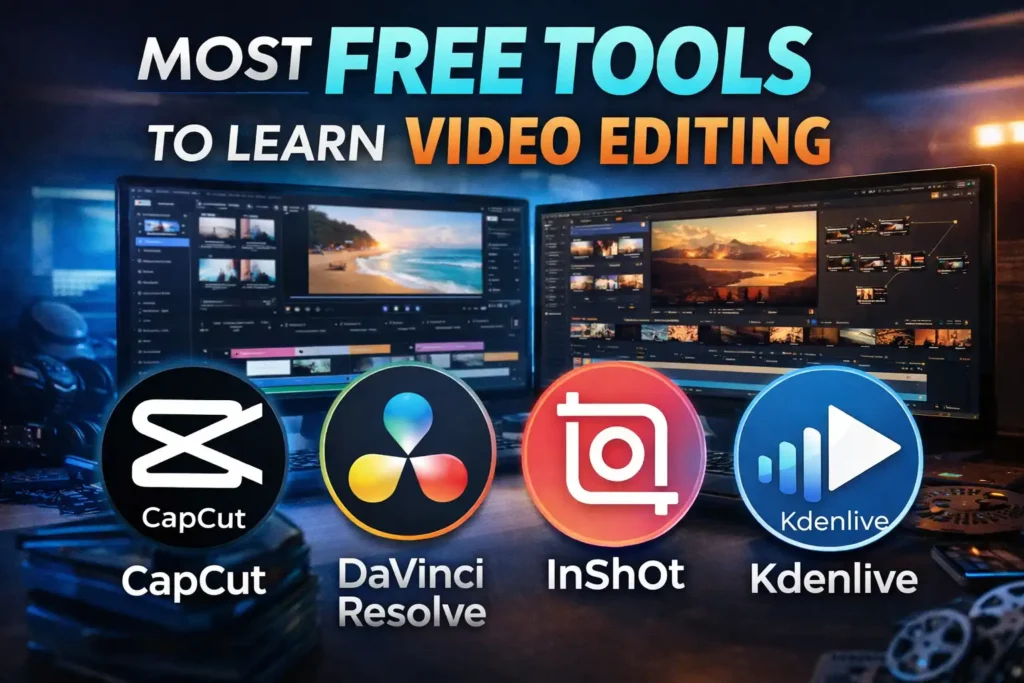
Popular tools include:
- Adobe Premiere Pro
- Final Cut Pro
- DaVinci Resolve (Download free)
- CapCut
- After Effects
These tools allow creators to experiment with different editing styles and improve their video quality.
The Future of YouTube Video Editing
As technology continues to evolve, the best video editing styles for YouTube will also continue to change.
Trends we may see in the future include:
- More AI-powered editing tools
- Interactive video elements
- Advanced motion graphics
Creators who stay updated with editing trends will have a better chance of growing their channels.
Conclusion
Video editing is one of the most important factors in creating successful YouTube content. The way a video is edited can significantly influence viewer engagement and overall channel growth. By understanding and applying the best video editing styles for YouTube, creators can produce more professional and engaging videos that keep audiences watching longer. Whether you prefer cinematic storytelling, fast-paced editing, or subtitle-focused videos, the key is to choose a style that fits your content and resonates with your audience.
………………………………………………………………………….
Tips*
Do you need a image resizer tool?