Introduction
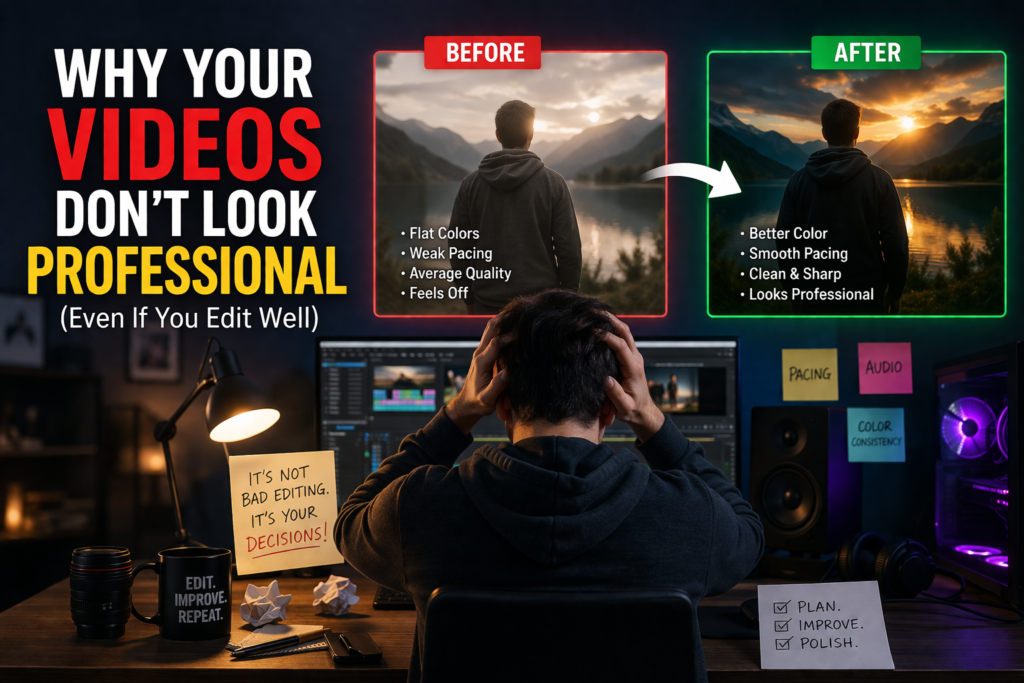
At some point in your editing journey, you reach a stage where you understand the basics. You know how to cut clips, add music, apply transitions, and maybe even experiment with effects. But when you watch your final export, something still feels off. The video is not bad, but it does not feel professional.
This is a very common stage for editors. The issue is not a lack of effort or even a lack of tools. Whether you are using CapCut or Adobe Premiere Pro, both are capable of producing strong results. The difference comes from how editing decisions are made.
Professional-looking videos are not created by adding more. They are created by making better decisions, consistently.
Editing Without Intention
One of the biggest reasons videos fail to feel professional is the lack of clear intention behind editing decisions. Many editors work reactively. They cut where it feels convenient, add music that sounds good, and include effects because they are available.
Professional editors approach editing differently. Every decision serves a purpose. Each cut, each pause, and each transition is placed to guide the viewer’s attention and shape their experience.
When you edit without intention, your video may still function, but it lacks direction. This is often what creates that feeling that something is missing, even when everything seems technically correct.
A useful shift is to start asking simple questions before and during editing. What is the purpose of this video? What should the viewer feel at this moment? Does this clip help move the story forward? When your decisions start answering these questions, your work becomes more focused and refined.
The Problem of Weak Pacing
Pacing is one of the most important and least understood aspects of editing. It is also one of the main reasons videos feel unprofessional.
Beginners often leave clips slightly longer than necessary. These small delays are not always obvious, but they affect how the viewer experiences the video. Even a half-second of unnecessary footage can make a scene feel slow.
On the other hand, cutting too quickly without purpose can make a video feel rushed or unnatural. Good pacing is not about speed. It is about timing.
Professional pacing follows the rhythm of speech, the emotion of the scene, and the viewer’s attention. It keeps the video moving without feeling forced. This balance takes time to develop, but it improves significantly when you start reviewing your edits critically.
A practical habit is to rewatch your timeline and actively look for moments that feel slightly too long or slightly too short. Small adjustments here often make a big difference in the final result.
Overuse of Effects and Transitions
Another common issue is the overuse of effects. Many editors believe that adding more transitions, animations, and visual elements will make their videos more engaging. In reality, this often has the opposite effect.
When everything is emphasized, nothing stands out. The viewer becomes aware of the editing itself instead of focusing on the content.
Professional editing tends to be much simpler than most beginners expect. Clean cuts are used far more often than flashy transitions. Effects are used sparingly and only when they add value to the message.
Learning to hold back is an important part of becoming a better editor. Instead of asking what you can add, start asking what you can remove. Simplicity, when done well, creates a much more polished result.
Audio Quality and Balance
Audio is one of the fastest ways to judge the quality of a video. Even if the visuals are strong, poor audio can make the entire project feel unprofessional.
Common issues include background noise, inconsistent volume levels, and music overpowering dialogue. These problems may seem small during editing, but they are very noticeable to viewers.
Professional audio feels natural and balanced. Dialogue is always clear. Music supports the mood without distracting from the main message. Transitions between audio elements are smooth and intentional.
Improving audio does not always require advanced tools. It requires attention. Taking the time to adjust levels carefully and listen through your project with focus can significantly improve the overall quality of your work.
Inconsistent Visual Style
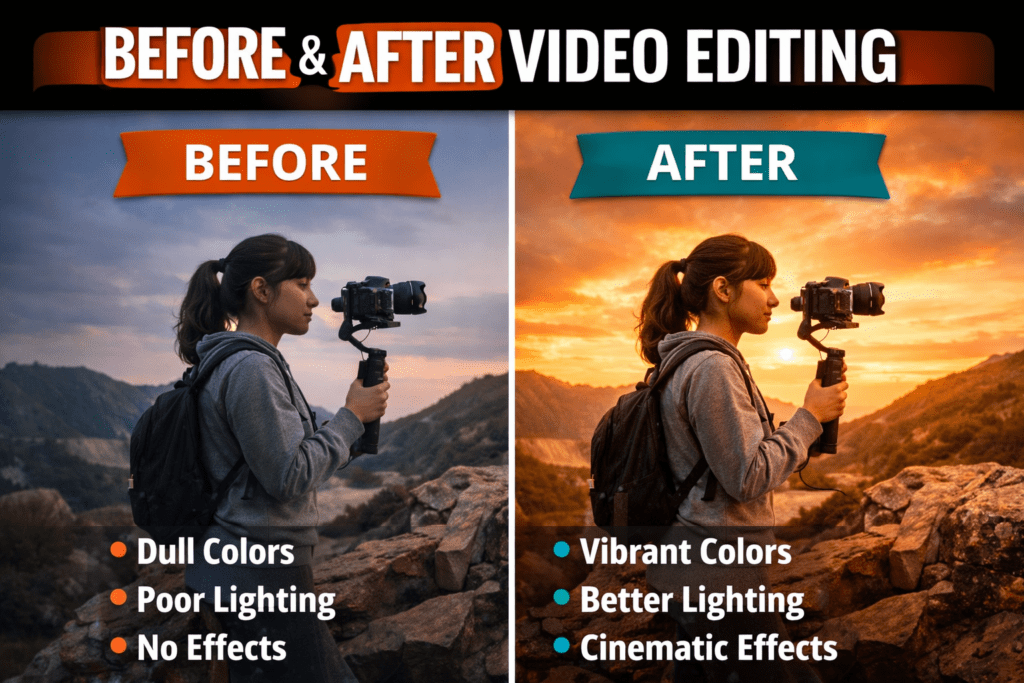
Another subtle issue that affects perceived quality is inconsistency in visuals. When clips vary too much in brightness, contrast, or color tone, the video can feel disconnected.
This often happens when footage comes from different sources or lighting conditions. Without adjustment, each clip feels like it belongs to a different environment.
Professional videos maintain a consistent visual style. This does not necessarily mean heavy color grading. It starts with simple corrections that make all clips feel cohesive.
Balancing exposure, adjusting contrast, and making sure colors feel aligned across the timeline can create a much more unified and polished look.
Relying Too Much on Templates
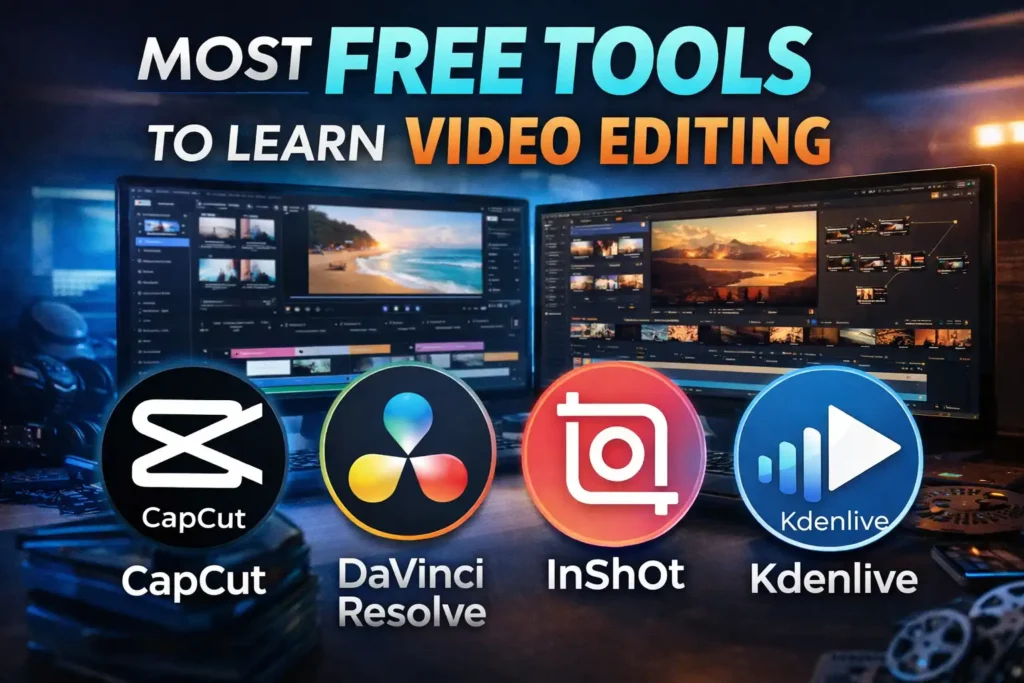
Tools like CapCut have made editing more accessible by offering templates and automated features. While this is helpful for speed, it can also lead to repetitive and predictable results.
When your editing relies heavily on templates, your work starts to look similar to everyone else’s. This limits your ability to develop a unique style.
More advanced tools like Adobe Premiere Pro offer greater control, allowing you to build your own approach rather than relying on pre-made structures.
The goal is not to avoid templates completely, but to move beyond them as your skills improve. Developing your own sense of timing, style, and structure is what separates average editing from professional work.
Ignoring Small Details
Professional quality is often the result of small details rather than big changes. Slight improvements in timing, smoother audio transitions, and consistent visuals all contribute to the final result.
Beginners tend to focus on visible elements like effects and transitions, while professionals pay attention to subtle refinements that are not immediately obvious but significantly impact the viewing experience.
This is why two editors can work with the same footage and produce very different results. The difference lies in how much attention is given to the details.
Developing Your Eye as an Editor
One thing that is often overlooked in video editing is that technical skill alone is not enough to create professional results. To improve your editing, you also need to develop your sense of timing, storytelling, and visual judgment. The best way to do this is by consuming good content consistently.
Watching well-edited videos, films, and even commercials helps you understand how professionals use pacing, cuts, and sound to guide attention and emotion. Pay attention to how scenes are structured, how long shots are held, and how transitions are used without drawing attention to themselves.
Reading books can also play a surprising role. It improves your ability to understand structure, flow, and storytelling, which directly translates into better editing decisions. When you read more, you start to think in terms of narrative and progression rather than just clips and effects.
Over time, this habit builds what many editors call an “editing instinct.” You begin to feel when a cut is right, when a moment should breathe, and when something is unnecessary. That instinct is what separates technically capable editors from truly professional ones.
Conclusion
If your videos do not look professional yet, it does not mean you lack skill. It usually means you are still developing the awareness needed to make stronger editing decisions.
Instead of focusing only on tools or new features, focus on how you edit. Pay attention to pacing, clarity, consistency, and purpose. These are the elements that shape the final quality of your work.
Improvement in editing is not about doing more. It is about understanding more and refining what you already do.
Frequently Asked Questions
Why do my videos look amateur even though I use good software?
Using good software does not guarantee professional results. The quality of your video depends more on your editing decisions, such as pacing, audio balance, and storytelling.
Is CapCut enough for professional-looking videos?
CapCut can produce good results, especially for short-form content. However, it may feel limiting for more complex projects that require detailed control.
Do I need Adobe Premiere Pro to create professional videos?
Adobe Premiere Pro offers more advanced tools and flexibility, which can help in professional work. However, skill and understanding are more important than the software itself.
How can I make my videos look more professional quickly?
Focus on improving pacing, cleaning up audio, and maintaining visual consistency. Small improvements in these areas can significantly enhance the overall quality.
What is the most common mistake beginners make in video editing?
One of the most common mistakes is overusing effects and transitions instead of focusing on clean cuts and strong storytelling.